What it does
-
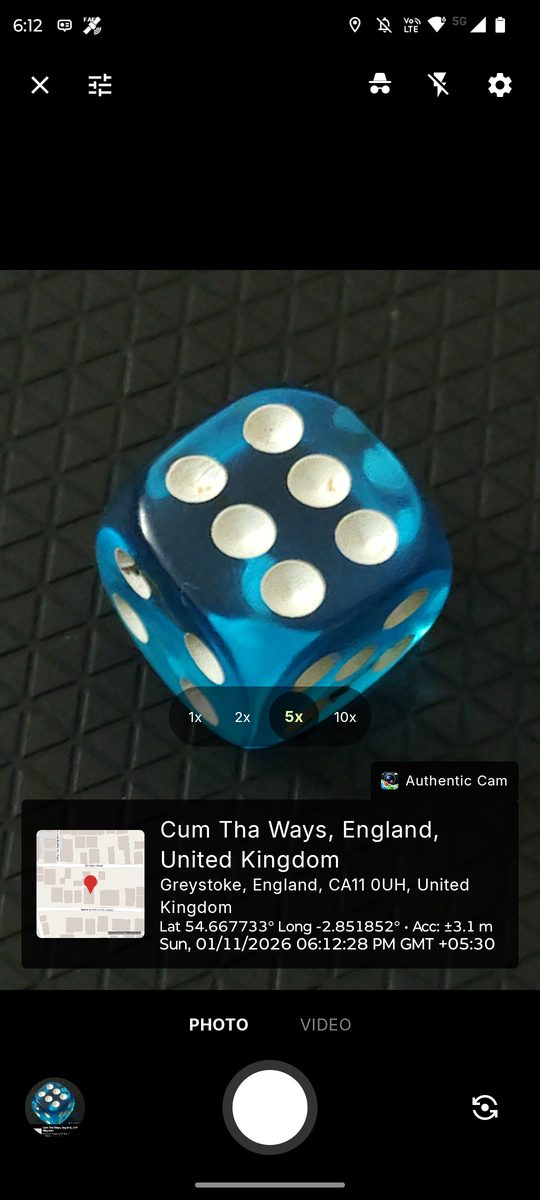
Place and time stampAddress, coordinates and a small map on your photos and videos. Turn the overlay off any time.
-
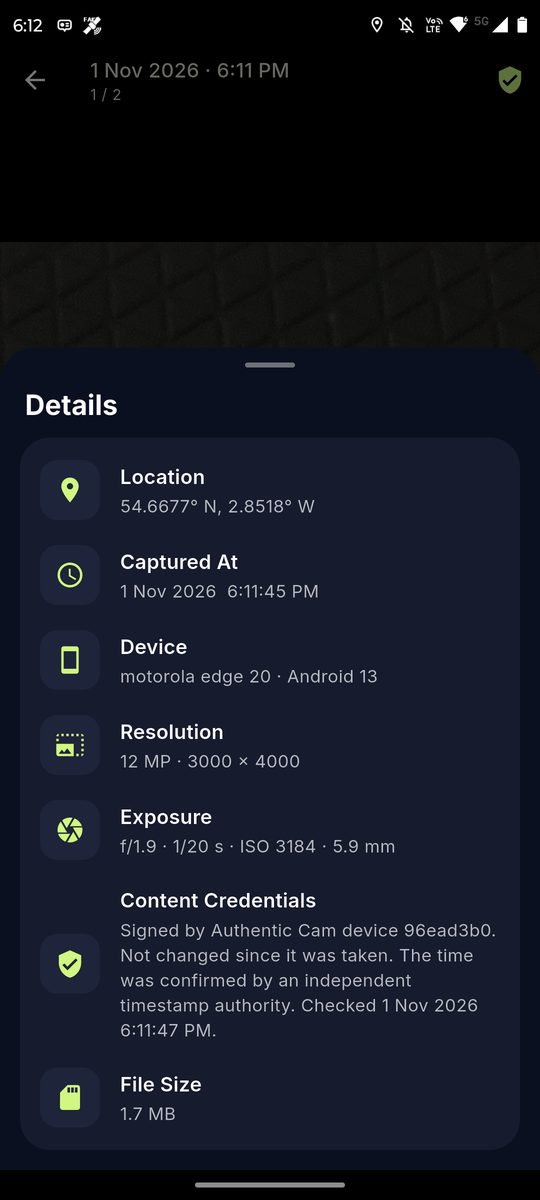
Signed on your phoneEach photo is signed with a key kept in the phone's secure hardware.
-
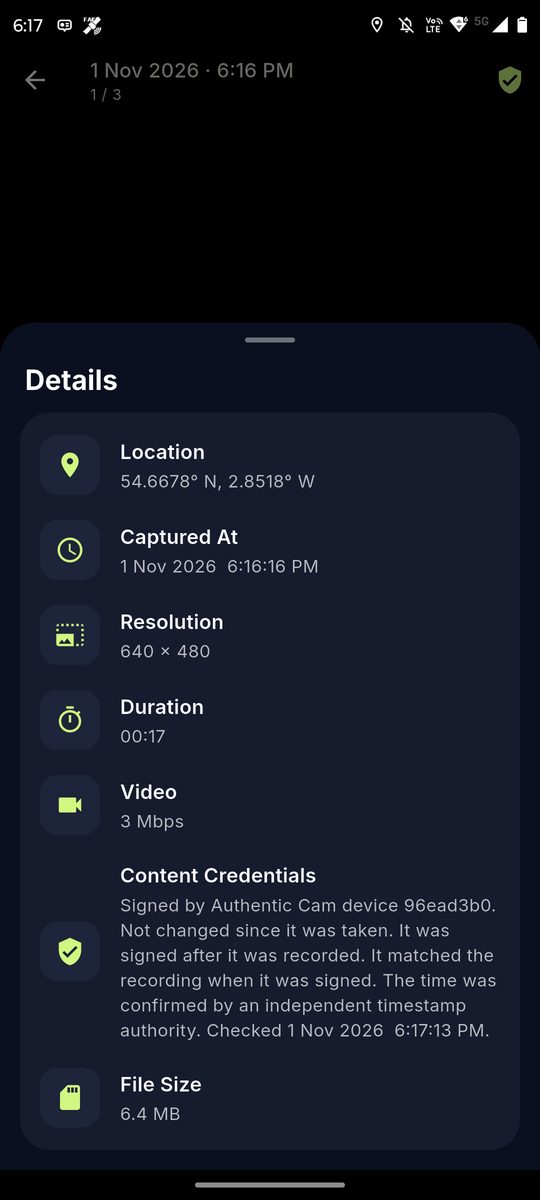
Independent time checkWhen you are online, a timestamp authority confirms the time, so it does not rest only on the phone's clock.
-
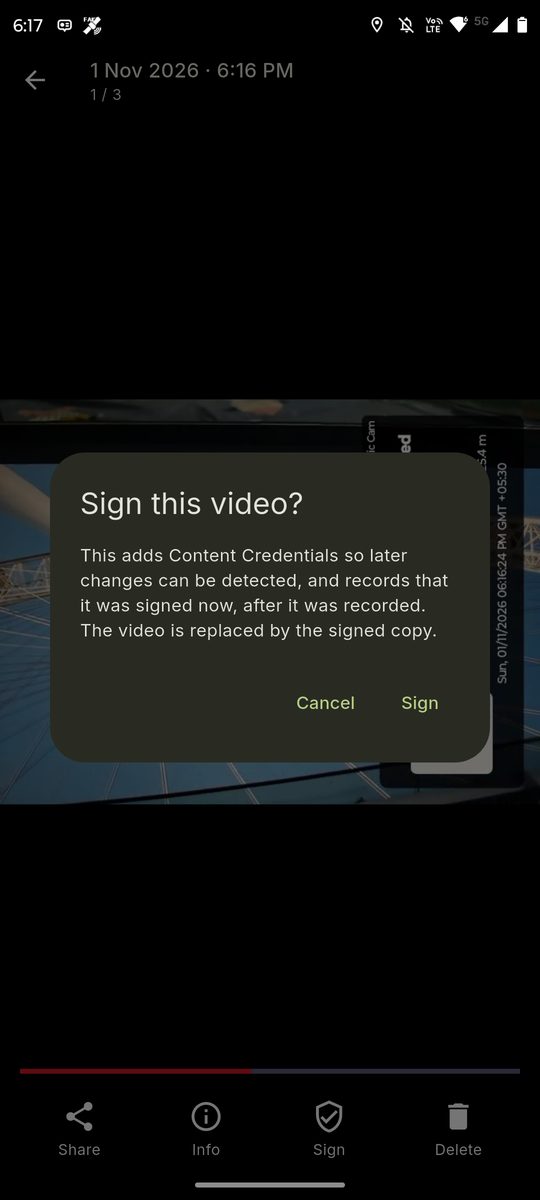
Sign videos afterwardsOpen a recording and sign it when you choose. Its record says it was signed after capture.
-
Credentials at a glanceA badge and a details sheet show whether a file carries Content Credentials and what they say.
-
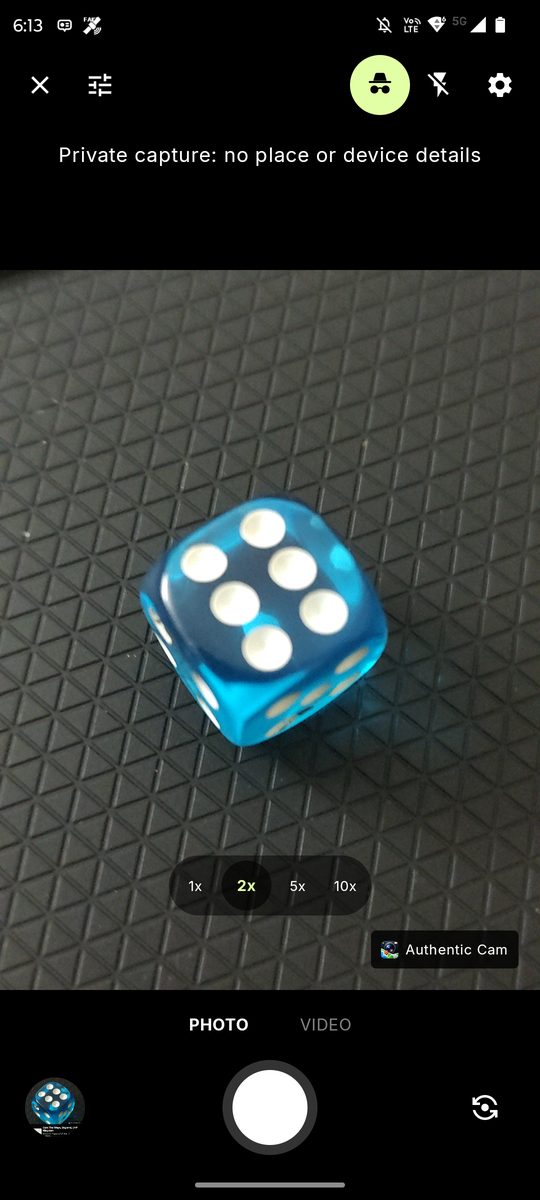
Private captureLeave out the place, the time of capture and the device details.
Screenshots
Who it is for
Anyone who needs a photo or video to carry a record of when and where it was captured, and a signature that shows whether it has been edited since: inspections, property and insurance records, field reports, deliveries, or your own documentation.
What it does not do
A signature shows that a file has not changed since it was signed. It does not prove that what the camera pointed at was real. Signatures use a certificate created on your phone, not one issued by an independent authority, so tools that read Content Credentials (the C2PA standard) may show the signer as unknown.
Privacy and cost
Your photos, videos and exact location stay on your phone, and there are no accounts. A small amount of usage and crash data goes to Google Firebase. The app is free and shows ads from Google AdMob; a one-time purchase removes them.
Read the fullprivacy policy →